

Introduction Computers can feel like magic: you press a key, a game world appears, a message crosses the planet, or a photo becomes sharper with a tap. Under the hood, though, it is a series of well organized steps carried out at astonishing speed. Understanding a few core ideas makes everyday tech less mysterious and helps you troubleshoot problems with confidence.
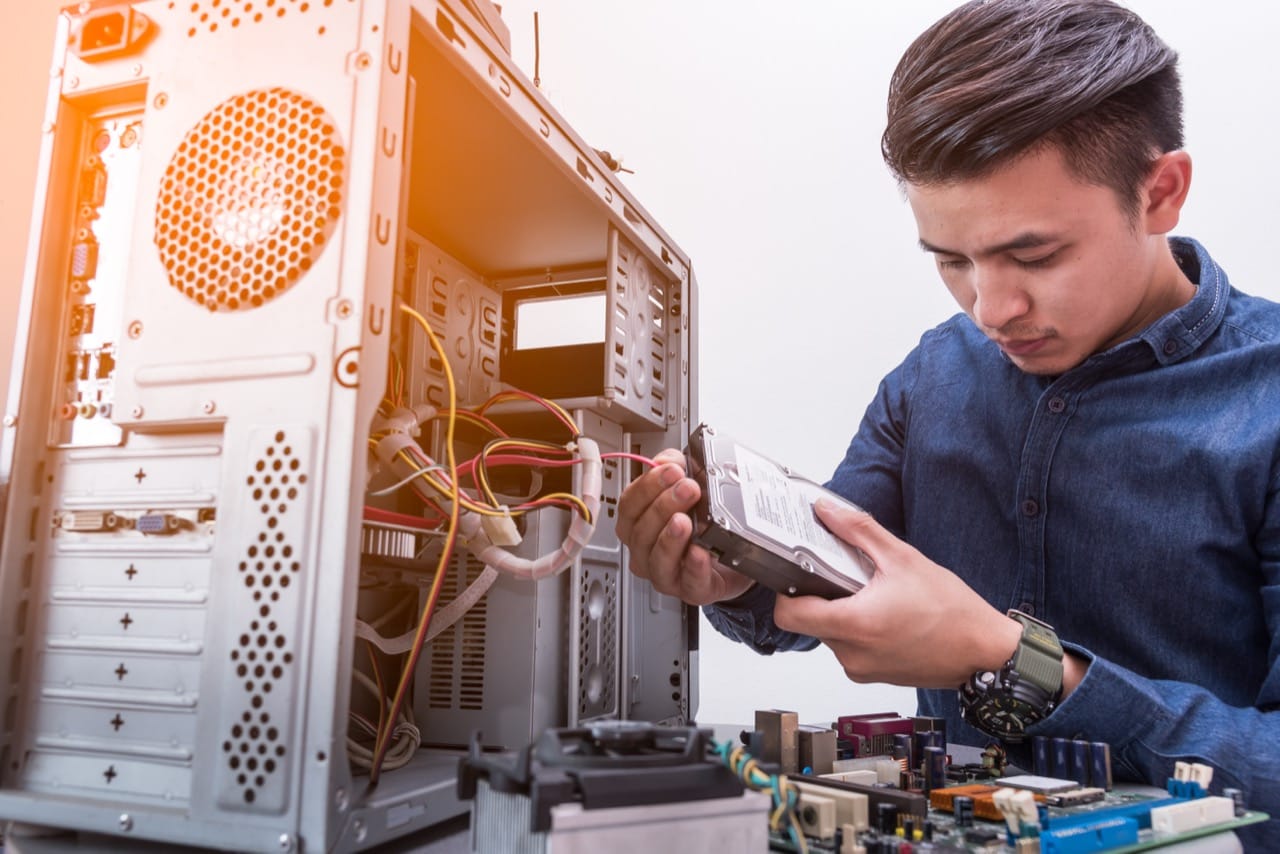
Hardware: the physical side of the spell At the center of most devices is the CPU, the processor that follows instructions and performs calculations. It works closely with RAM, which is short term working memory. A simple way to remember it is that RAM is like a desk where you spread out papers you are actively using, while storage like an SSD or hard drive is a filing cabinet for long term keeping. SSDs are faster because they have no moving parts, which is why modern systems boot and load apps quicker.
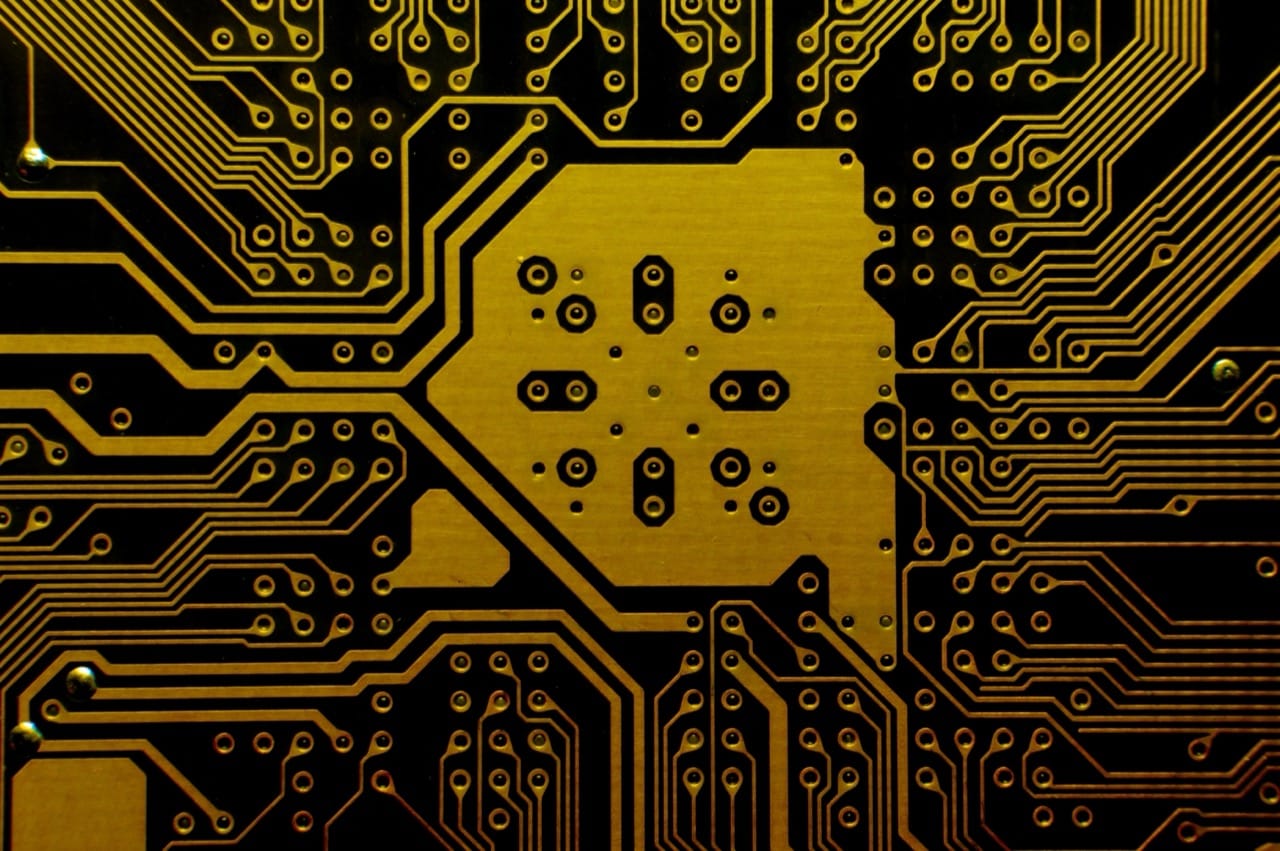
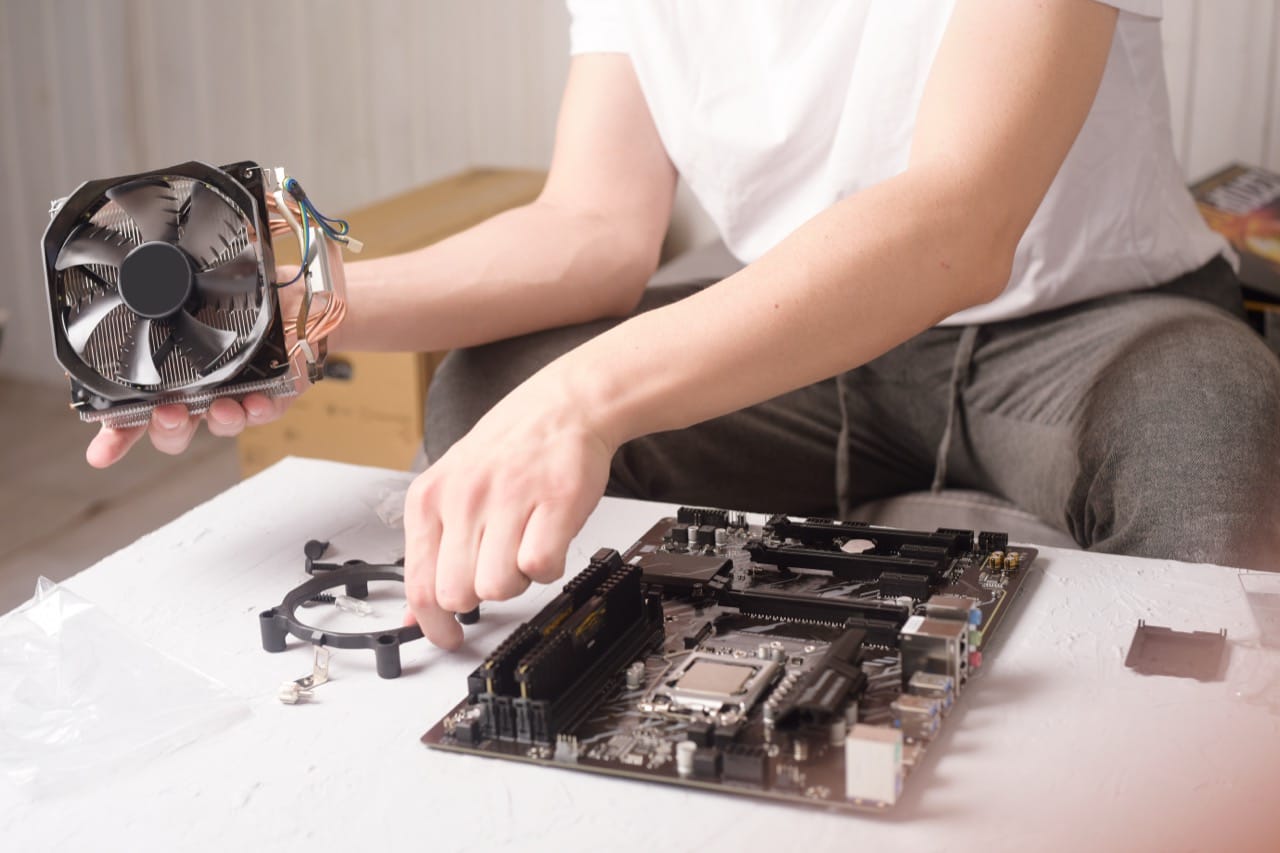
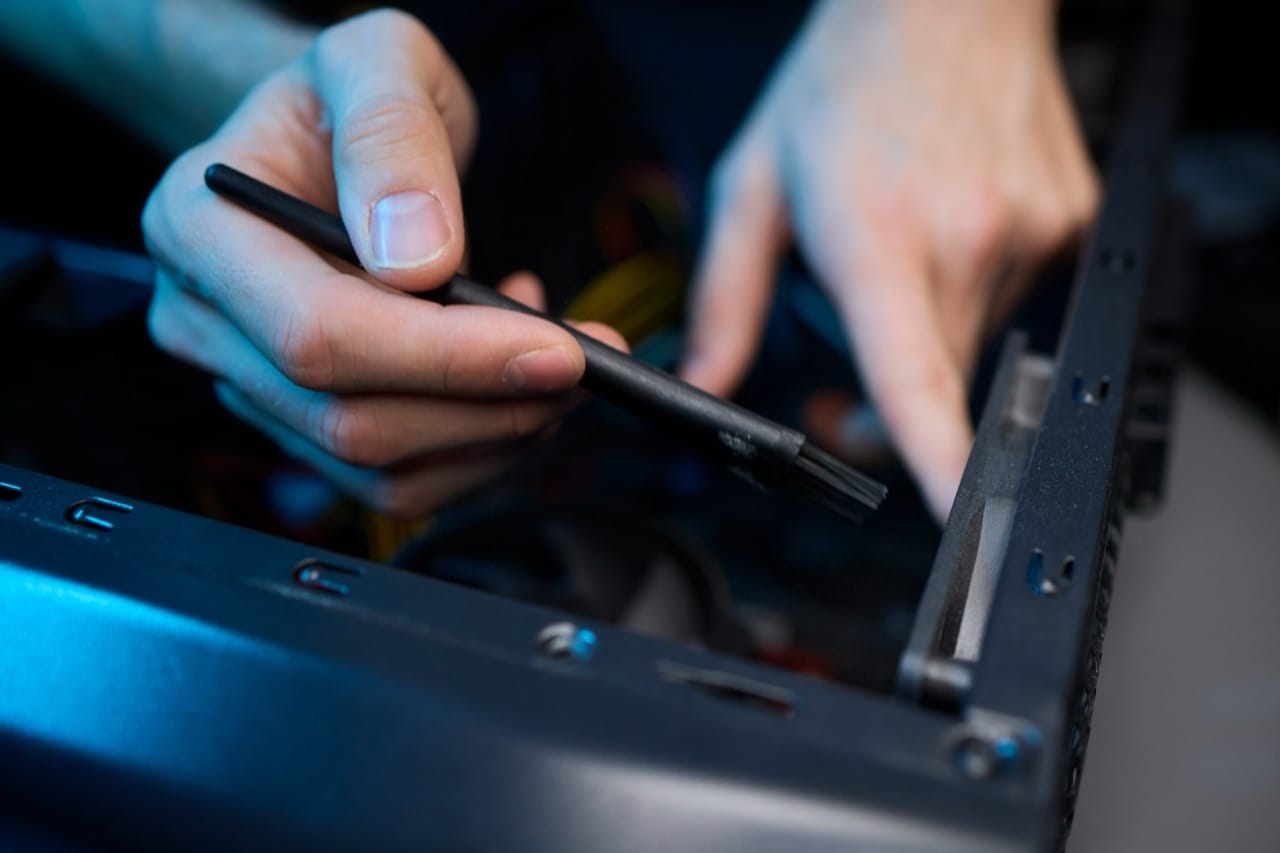
The motherboard connects everything, and the power supply keeps it stable. Cooling matters more than many people realize: heat can reduce performance because many CPUs and GPUs automatically slow down to protect themselves. Fans, heatsinks, and good airflow are not just for gamers; they keep any computer running reliably.
Software and operating systems: the traffic controllers Hardware needs software to be useful. An operating system like Windows, macOS, Linux, Android, or iOS manages memory, files, devices, and the scheduling of tasks. Drivers are small pieces of software that let the operating system talk to specific hardware, such as a printer or graphics card. When something suddenly stops working after an update, a driver issue is often the reason.
Applications sit on top of the operating system. They rely on system libraries and permissions. If an app crashes frequently, it may be due to corrupted files, insufficient RAM, or conflicts with other software.
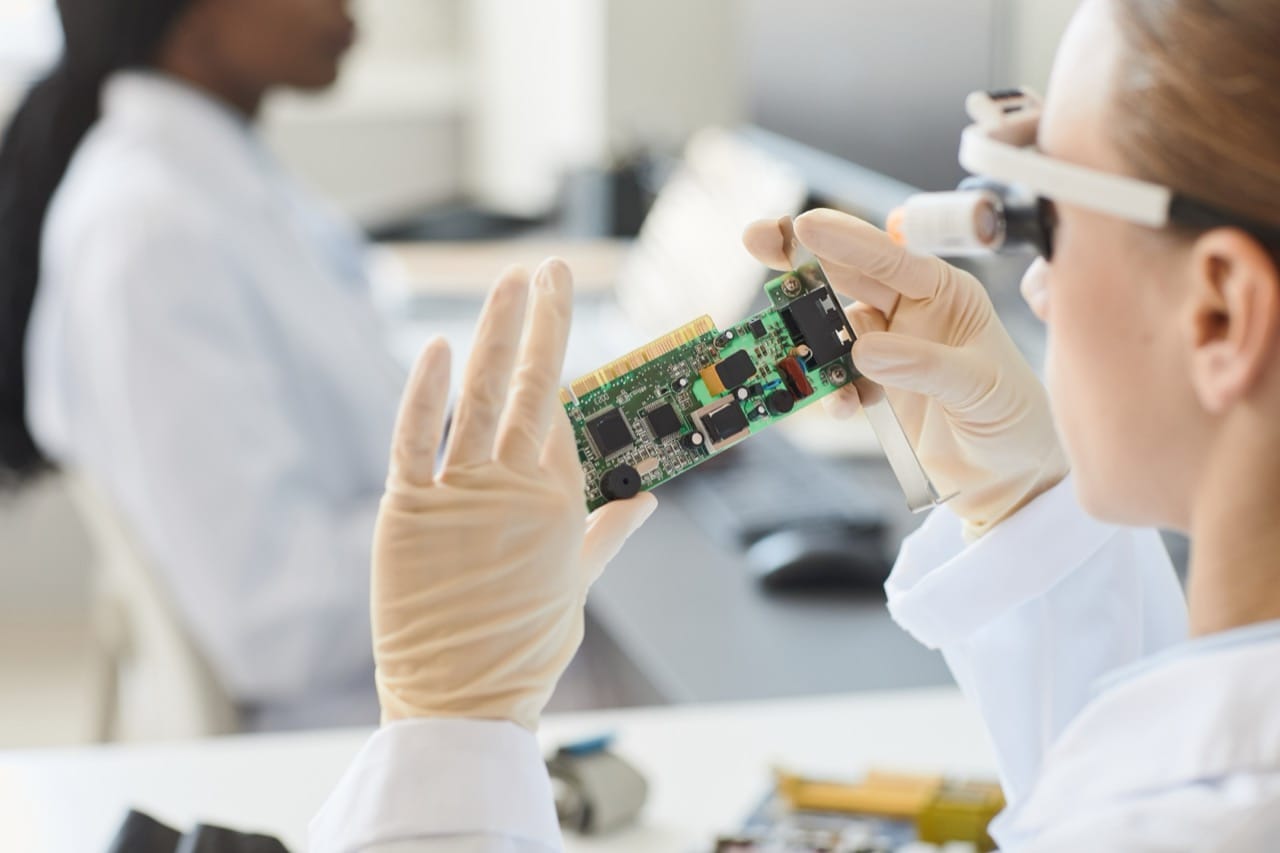
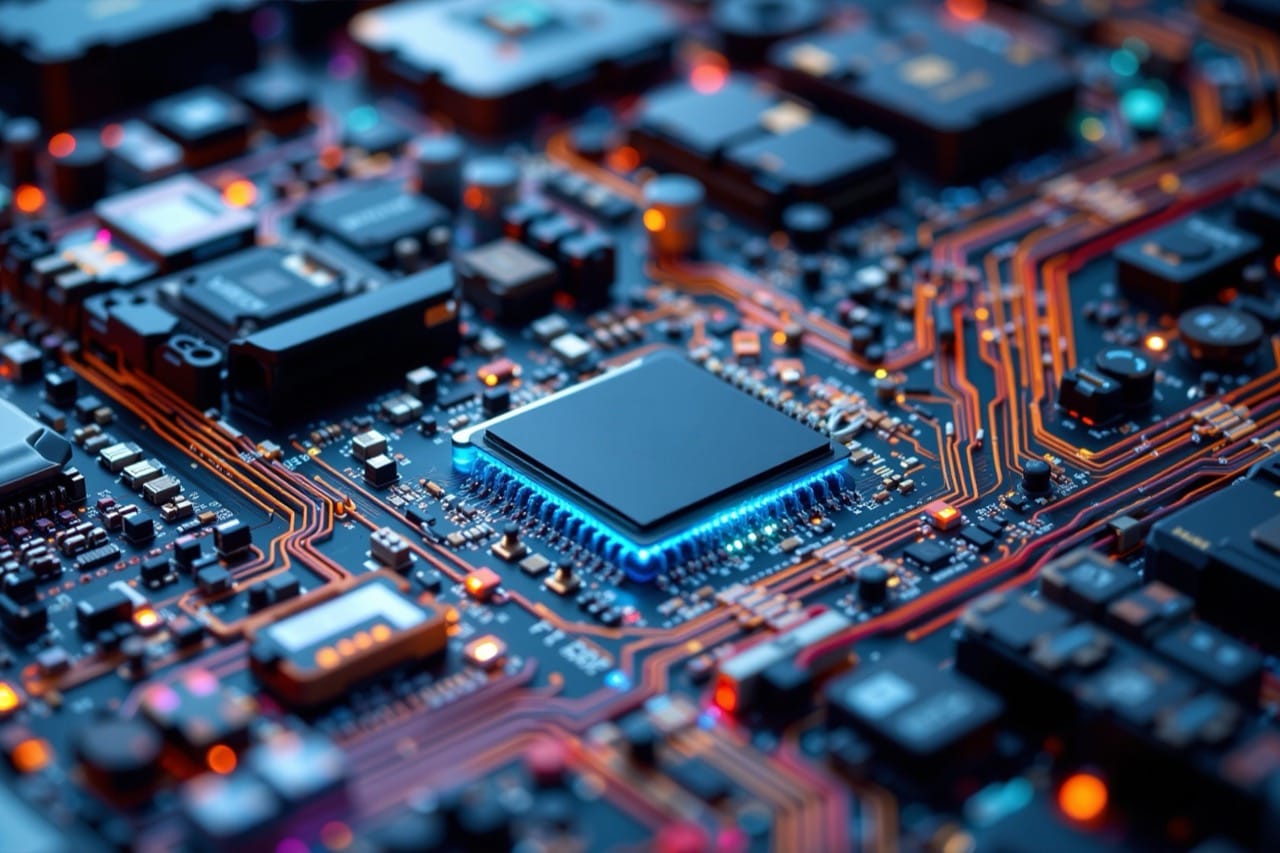
Binary and logic: tiny switches, big results Deep down, computers use binary: 0s and 1s. Those bits represent the on and off states of electronic switches called transistors. Billions of transistors are packed into chips, and they form logic gates that implement simple rules like AND, OR, and NOT. Combine enough gates and you can build adders, memory cells, and entire processors. This is why even complex tasks, from video editing to AI, ultimately reduce to many small operations repeated incredibly fast.
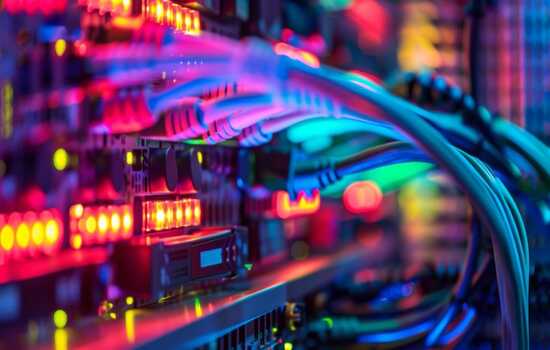
Networking and the internet: moving data in packets When you visit a website or join an online match, your data is split into packets. These packets travel across networks using protocols, which are agreed upon rules. IP addresses help route packets to the right destination, while DNS translates human friendly names into those addresses. If a site will not load but your connection seems fine, a DNS problem is a common culprit.
Wi Fi is convenient, but wired Ethernet often provides lower latency and more consistent speed. Routers connect your home network to the wider internet, and firewalls help filter unwanted traffic.
Security basics: staying safe without becoming paranoid Good security is mostly good habits. Strong, unique passwords prevent one breach from becoming many. Multi factor authentication adds a second proof that you are really you. Updates matter because they patch known vulnerabilities. Phishing remains one of the most effective attacks because it targets people, not machines, so being skeptical of unexpected links and attachments is essential.
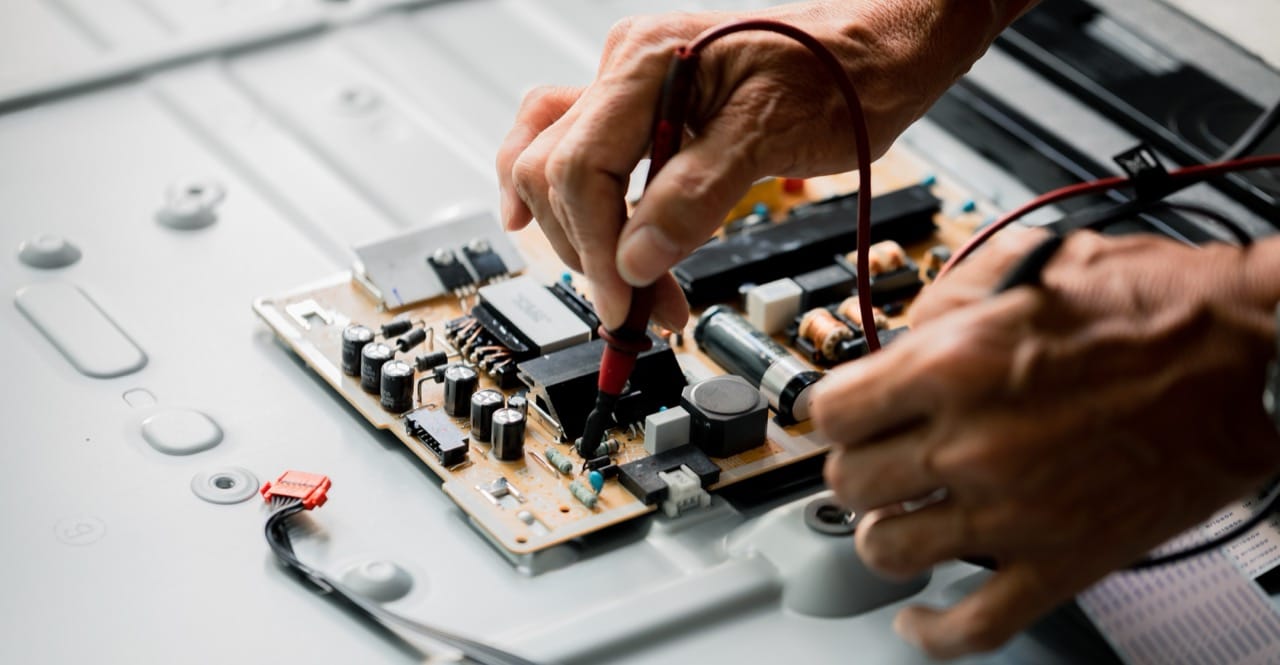
Troubleshooting: the underrated superpower Many tech problems are solved by a few practical steps: restart to clear stuck processes, check cables and power, confirm network settings, and look for error messages that point to a cause. Understanding the roles of RAM, storage, drivers, and network components turns random guessing into a method.
Conclusion From binary logic to global networks, modern computing is a layered system where each part supports the next. The more you learn about those layers, the more control you gain over your devices and your digital life. The real secret is that the magic is not mysterious at all: it is engineering, history, and clever problem solving, repeated billions of times per second.